
Customizer:
If you don't want to use a parent Row Layout for the button, then copy the Custom CSS code from the Row Layout into the Custom CSS section of the Customizer. Once the code is pasted there and published, it will be globally available for all pages and you can use the Advanced Buttons block with the button on any of your pages without a row layout.
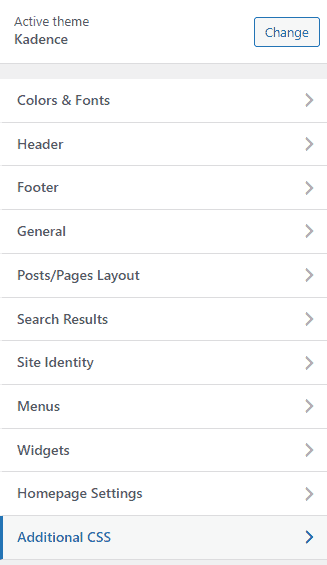
1. Open Additional CSS
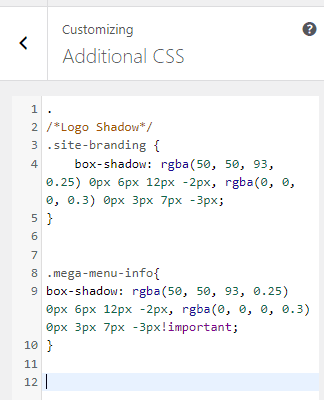
2.Add CSS Code
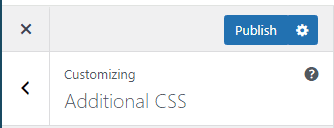
3. Click "Publish"
Page Scripts (Kadence Blocks Pro needed) :
- Click “Kadence Blocks Contorls” in the page editor

2.Click on “Page Scripts” and “Custom CSS and JS”

3. Add CSS Code in the section “Post Specific CSS”

4. Close the “Custom CSS and JS” Modal and click on “Update”
